
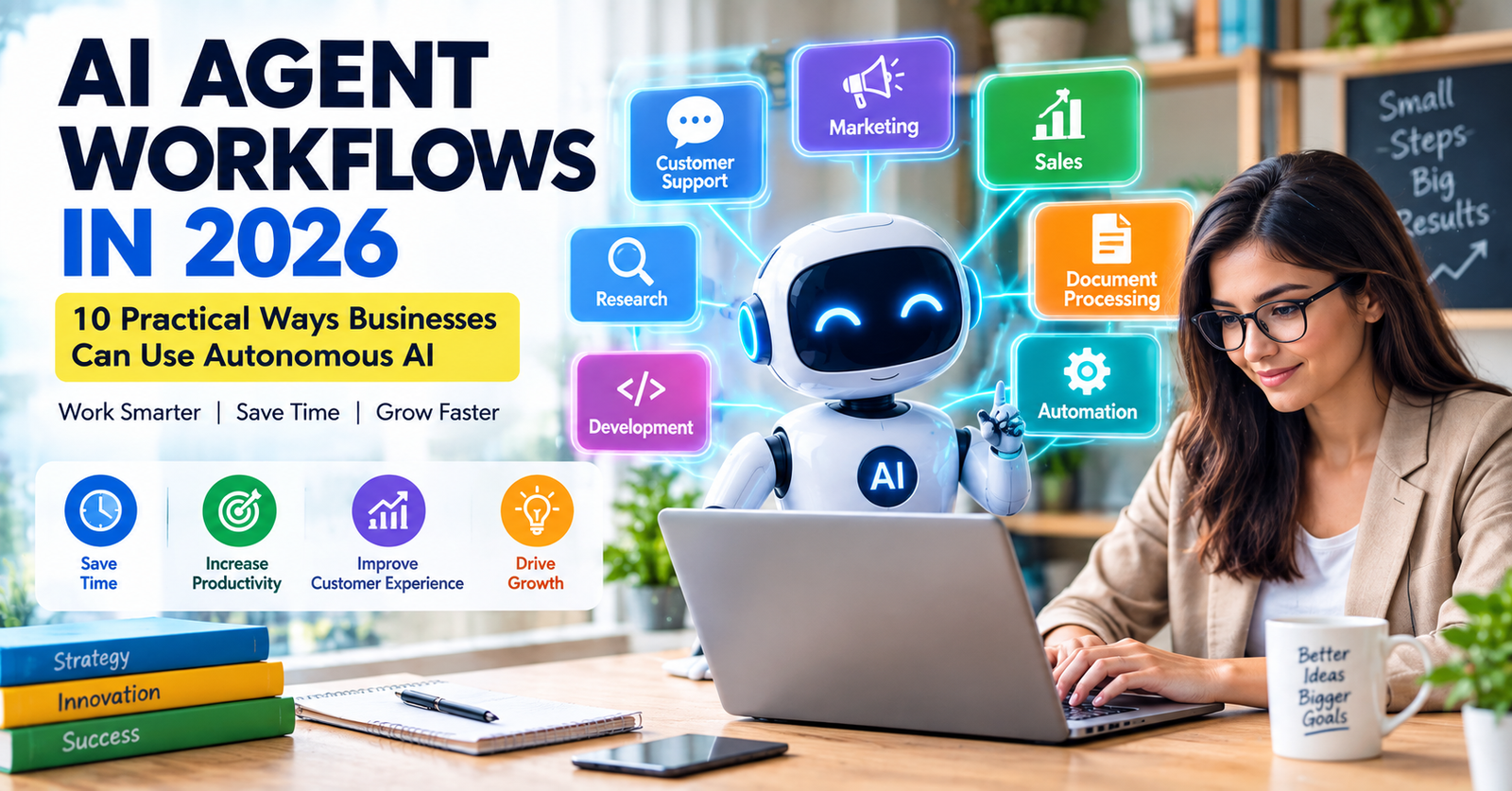
AI is moving beyond simple chatbots. In 2026, businesses are increasingly exploring AI systems that can handle multiple steps of a task, use connected tools, and work toward a defined goal with varying levels of human oversight. These systems are commonly called AI agents or agentic AI.
For businesses, the important question is not simply whether AI agents are powerful. The more useful question is where they can solve real problems, where human approval is needed, and how organizations can control access, data, and automated actions.
In this guide, we explain 10 practical AI agent workflows that businesses can consider in 2026, along with the benefits, limitations, and security practices that should be considered before deploying them.
Table of Contents
- What Is an AI Agent?
- How AI Agent Workflows Work
- 1. Customer Support
- 2. Sales Follow-Ups
- 3. Research
- 4. Meeting and Email Management
- 5. Marketing Workflows
- 6. Software Development
- 7. Business Data Analysis
- 8. Document Processing
- 9. Internal Knowledge Management
- 10. Task and Workflow Automation
- Benefits of AI Agent Workflows
- Risks and Security Considerations
- How to Start With AI Agents
- Frequently Asked Questions
What Is an AI Agent?
An AI agent is a software system that can pursue a goal by performing multiple steps instead of simply generating a single response.
Depending on the system, an agent may interpret instructions, plan tasks, use software tools, retrieve information, perform actions, and report results to a human.
The exact capabilities of an AI agent depend on the model, tools, permissions, and workflow designed by the organization.
How AI Agent Workflows Work
A typical AI agent workflow can contain several stages:
- Receive a goal or instruction.
- Understand the task.
- Break the task into smaller steps.
- Use approved tools or information sources.
- Complete the required actions.
- Return the results for review.
Some workflows can operate with little human intervention, while others require approval before important actions are performed.
1. Customer Support
AI agents can help customer-service teams handle repetitive requests such as order questions, appointment information, product details, and basic troubleshooting.
A customer-support agent could retrieve information from an approved knowledge base and prepare a response for a customer-service representative.
For sensitive complaints or unusual situations, the workflow should transfer the conversation to a human.
2. Sales Follow-Ups
Sales teams can use AI agents to organize leads, summarize previous conversations, prepare follow-up messages, and identify tasks that need attention.
For example, an agent could review approved CRM information and prepare a personalized follow-up draft after a sales meeting.
A human should review important customer communications before they are sent, particularly when pricing, contracts, or commitments are involved.
3. Research
Research is another potential use for AI agents.
An agent can be designed to gather information from approved sources, organize findings, summarize documents, and produce a research report for human review.
Because AI systems can make factual errors, important claims should be verified against the original sources.
4. Meeting and Email Management
AI agents can help organize meeting notes, identify action items, summarize long email threads, and prepare draft responses.
Instead of automatically sending messages, businesses can configure an agent to create drafts that employees review before sending.
5. Marketing Workflows
Marketing teams can use AI agents to assist with repetitive content and campaign workflows.
- Generate content ideas
- Create draft social media posts
- Summarize campaign performance
- Organize customer feedback
- Prepare content calendars
Human review remains important for brand voice, factual claims, advertising rules, and customer-facing content.
6. Software Development
AI agents are also being explored for software-development workflows. Depending on their permissions, they may help inspect code, generate changes, write tests, explain errors, and prepare documentation.
Developers should use version control, testing, code review, and appropriate access restrictions when AI systems can modify software.
7. Business Data Analysis
AI agents can help analyze approved business data and turn raw information into summaries or reports.
For example, an agent could review sales data and prepare a weekly report showing changes in revenue, product performance, or customer activity.
Important financial and business decisions should still be reviewed by people who understand the underlying data.
8. Document Processing
Businesses work with invoices, reports, forms, proposals, contracts, and other documents.
AI agents can help classify documents, extract specific information, create summaries, and route documents to the appropriate team.
Confidential documents should only be processed by systems that the organization has approved for that type of information.
9. Internal Knowledge Management
Large organizations can have thousands of internal documents and procedures. An AI agent can help employees find relevant information more quickly.
A properly configured internal assistant could search approved company documents and provide answers based on that information.
Access controls are important because employees should only receive information they are authorized to access.
10. Task and Workflow Automation
One of the broadest uses for AI agents is connecting several repetitive tasks into a single workflow.
For example:
- A customer submits a request.
- The system categorizes the request.
- An AI agent retrieves relevant information.
- The agent prepares a response.
- A human reviews the response when required.
- The system records the completed task.
The exact workflow will vary depending on the business and the systems it uses.
Benefits of AI Agent Workflows
AI agents can potentially help businesses in several areas.
- Reduce repetitive manual work
- Speed up information processing
- Help employees handle larger workloads
- Improve consistency in routine processes
- Support faster access to business information
However, these benefits depend on how well the workflow is designed, implemented, monitored, and maintained.
Risks and Security Considerations
Giving an AI system the ability to perform actions creates additional security considerations.
Data Access
An AI agent should not automatically receive access to every company system. Give it only the permissions required for its specific task.
Incorrect Actions
An AI system can misunderstand instructions or produce an incorrect result. Important actions should have appropriate review and approval processes.
Privacy
Businesses should understand what information an AI agent can access and how that information is processed.
Monitoring
Organizations should monitor important AI workflows and investigate unusual behavior or unexpected results.
Human Oversight
Human review remains important when an AI agent can affect customers, employees, finances, security, or other high-impact areas.
How to Start With AI Agents
Step 1: Choose One Workflow
Start with a repetitive task that is easy to measure.
Step 2: Define the Goal
Clearly explain what the agent should accomplish and what it should not do.
Step 3: Limit Permissions
Only provide access to the systems and information required for the workflow.
Step 4: Add Human Approval
Require human approval for important or irreversible actions.
Step 5: Test the Workflow
Run the system with controlled examples before using it with real business processes.
Step 6: Monitor Results
Track errors, unexpected actions, security issues, and the amount of time saved.
AI Agents vs Traditional Chatbots
| Feature | Traditional Chatbot | AI Agent |
|---|---|---|
| Answers questions | Yes | Yes |
| Multi-step tasks | Limited | Designed for this |
| Tool usage | Limited or predefined | Can use connected tools |
| Autonomous actions | Usually limited | Can be configured |
| Human approval | Often simple | Important for higher-risk actions |
Related Articles
- AI Agents in 2026: What They Are, How They Work, and Why They Matter
- How Small Businesses Can Use AI in 2026
- How to Use AI Safely in 2026
- AI Cybersecurity in 2026
Frequently Asked Questions
What is an AI agent?
An AI agent is a software system designed to work toward a goal by performing multiple steps and, depending on its configuration, using tools or connected systems.
Are AI agents fully autonomous?
Not necessarily. The level of autonomy depends on the system's design, permissions, and workflow. Some systems require human approval for important actions.
Can small businesses use AI agents?
Yes. Small businesses can explore AI agents for practical tasks such as customer support, research, document processing, and repetitive administrative workflows.
Are AI agents safe?
Safety depends on how an agent is designed and deployed. Access controls, monitoring, testing, privacy protections, and appropriate human oversight can help reduce risk.
Will AI agents replace employees?
AI agents can automate some tasks, but their effect on jobs will vary by industry, occupation, workflow, and how organizations choose to deploy the technology. In many workflows, AI agents are used to assist people rather than operate completely independently.
Final Thoughts
AI agents are becoming an important part of the broader AI technology landscape in 2026. Their ability to work across multiple steps can make them useful for customer service, research, marketing, software development, document processing, and business automation.
At the same time, greater autonomy means businesses need stronger controls. Organizations should define clear goals, limit permissions, test workflows, monitor results, and keep humans involved in important decisions.
The most practical way to explore AI agents is to start with one well-defined workflow, measure the results, and expand carefully when the system proves reliable.
About WriteHubDaily
WriteHubDaily publishes practical articles about artificial intelligence, technology, business, productivity, digital trends, and online safety.